
Sometimes we need to go right back to the start and keep it simple! If you’re looking to work from home and actually get paid, learning how to set up your Upwork profile properly is one of the best places to start. Even if you have a profile, it’s time for a refresh.

From my experience, Upwork has been the most reliable platform for finding both one-off jobs and ongoing clients. It gives you two opportunities at once. Clients can find you, and you can actively search and apply for work that suits you.
Once you understand how to position yourself, it becomes less about “hoping” for work and more about choosing the kind of work you want. I found it was a great place to find my feet and gain experience doing a range of tasks for clients.
Remember to just ‘start’! You can update your Upwork profile as you go and you’ll get reviews and feedback to help you connect with more clients.
Big Tip!
Don’t use AI to fully write your profile! Ai is a tool not who you are. You can use it to help however it stands out if its fully AI waffle and doesn’t match your style and who you are! Remember clients want to work with ‘real people’ and know they can communicate with you.
Step 1: Create a Strong Upwork Profile
Your profile is your storefront. It’s what clients see before they decide to hire you.
1. Choose a Clear Title
Be specific about what you do. Skip vague titles like “Freelancer.”
Instead, go for:
- Virtual Assistant for Busy Entrepreneurs
- Blog Writer for Food & Lifestyle Websites
- Proofreader for Online Content
This helps you show up in searches and instantly tells clients what you offer.
2. Write a Simple, Client-Focused Bio
Your bio is not about you. It’s about how you help.
Use this structure:
- Who you help
- What you do
- What results you deliver
Example:
“I help busy business owners stay organized by managing inboxes, scheduling, and admin tasks so they can focus on growth.”
Keep it clear, natural, and easy to read.
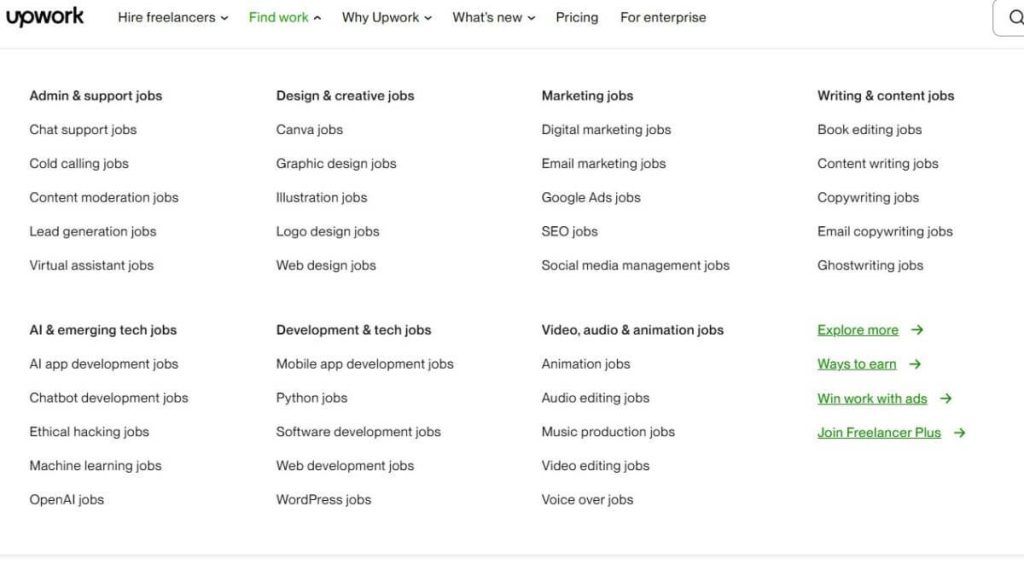
3. Add Relevant Skills
Upwork uses your skills to match you with jobs.
Add skills like:
- Data entry
- Content writing
- Proofreading
- Virtual assistance
- Transcription
Choose skills that match the work you actually want.
4. Upload a Professional Photo
You don’t need anything fancy. Just:
- Clear lighting
- Neutral background
- Friendly, approachable expression
This builds trust immediately. Avoid using and AI photo clients who want to know you’re a real person!
5. Set Your Rate (Don’t Overthink It)
Start with something realistic for beginners. Have a look around at what others are setting as their rate. You may need to set your rate lower to begin with to build your profile.
You can always increase your rate once you:
- Get reviews
- Build confidence
- Gain repeat clients
The goal is to get started, not be perfect.
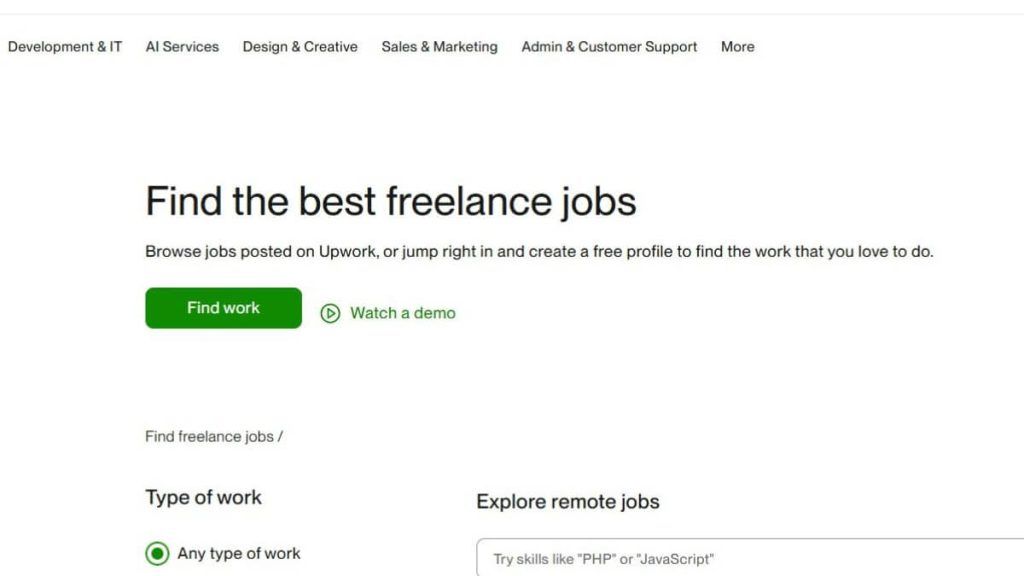
Step 2: How to Find Jobs on Upwork
Once your profile is set up, it’s time to start looking for work.
This is where Upwork stands out. You’re not waiting around. You can actively choose jobs.
Use Filters to Save Time
Search by:
- Job type (hourly or fixed price)
- Experience level (entry, intermediate)
- Budget
Focus on jobs that:
- Match your skills
- Feel doable
- Have clear descriptions
Look for Good Clients
Not all jobs are equal.
Good signs:
- Verified payment
- Clear job description
- Reasonable budget
- Past hiring history
Avoid jobs that are vague, underpaid, or feel off.
Tip- Avoid saying ‘yes’ when you don’t know what the task is. Make sure you have some understanding of what’s expected of you so both you and the client achieve a good outcome together.
Check out my article on What I wish I knew before becoming a Virtual Assistant for more hints and tips.

Step 3: How to Write a Proposal That Gets Noticed
This is where most people overcomplicate things.
You don’t need a long, formal pitch. You need a clear and relevant response.
Keep It Simple
Structure:
- A quick, friendly intro
- Show you understand the task
- Share how you can help
- Optional: ask a question – this is a good tip! It shows you are interested and already thinking about the best outcome for the task.
Example:
“Hi, I’d love to help with your blog writing project. I’ve worked on similar content and can write clear, engaging posts that match your style. Are you looking for ongoing support or just a one-off article?”
That’s it. Short and human.
Customize Every Proposal
Do not copy and paste the same message.
Clients can tell.
Even one or two personalized lines makes a difference.
If they ask you to include a word or phrase- DO IT! So many people miss the fine details and the clients are looking for someone who can pay attention to detail rather than rush the work.

Apply Consistently
Upwork is a numbers game at the start.
Aim for:
- A few proposals per day
- Consistent effort over time
The first job is the hardest. After that, it builds momentum!
Step 4: How to Communicate with Clients
Once a client replies, keep things simple and professional.
Be Clear and Easy to Work With
- Respond promptly
- Confirm expectations
- Ask questions if needed
You don’t need to over-explain. Just be reliable.
Set Boundaries Early
If something isn’t included, say so.
For example:
“That sounds like an extra task. I’m happy to add that in—would you like me to include it in the project scope?”
This avoids issues later.
Deliver What You Promised
This is where long-term clients come from.
If you:
- Deliver on time
- Communicate clearly
- Do solid work
Clients will come back to you again and again.
Step 5: How to Build Momentum on Upwork
The goal isn’t just one job. It’s building ongoing work.
Focus on Your First Few Reviews
Your first 3–5 jobs matter most.
They help:
- Build trust
- Improve your ranking
- Make it easier to get hired
This isn’t a race to replace your income today. It’s a long game, this is a real way to make money online from home. Remember each dollar you earn all adds up overall.
Raise Your Rates Over Time
As you gain:
- Experience
- Confidence
- Repeat clients
You can increase your pricing.
Let Clients Come to You
Once your profile is active and you have reviews, something shifts.
You’ll start receiving invitations.
This is where Upwork becomes powerful. You’re no longer chasing work. Work starts coming to you. Some clients don’t list their tasks; they search for the right person to complete it for them. This is why having your profile set up correctly is important.
Why Upwork Works So Well for Beginners
There are a lot of freelance platforms out there, but Upwork stands out because it gives you control.
You can:
- Find one-off jobs quickly
- Build ongoing client relationships
- Choose work that fits your schedule
From my experience, it’s one of the easiest ways to get started working from home without needing a website, audience, or big following.
My Final Thoughts on How to Set Up Your Upwork Profile
Learning how to set up your Upwork profile is one of those small steps that can completely change your income and flexibility.
You don’t need everything to be perfect.
You just need:
- A clear profile
- A few solid proposals
- Consistency
Start simple. Apply for jobs. Learn as you go.
That’s how it builds. You’ll find your niche, you’ll find clients you love working for and best of all you become in control of your work at home. Personally, Upwork has helped me to find some really cool clients to work for and expanded my skills. Often you’ll work on one task and they will ask you to work on the next project. In saying this don’t be disappointed if they don’t, there are plenty more fish (clients) in the sea! Haha!!
So go set up your profile and happy freelancing!!